Learn at your own pace
Tutorials
Get to know Kamino.Tools with short videos and clear steps. Choose a topic below to see how it works.
Getting started
Learn the basics of Kamino.Tools. Save a link in the app or add pages with the Chrome extension.
-
15-second video
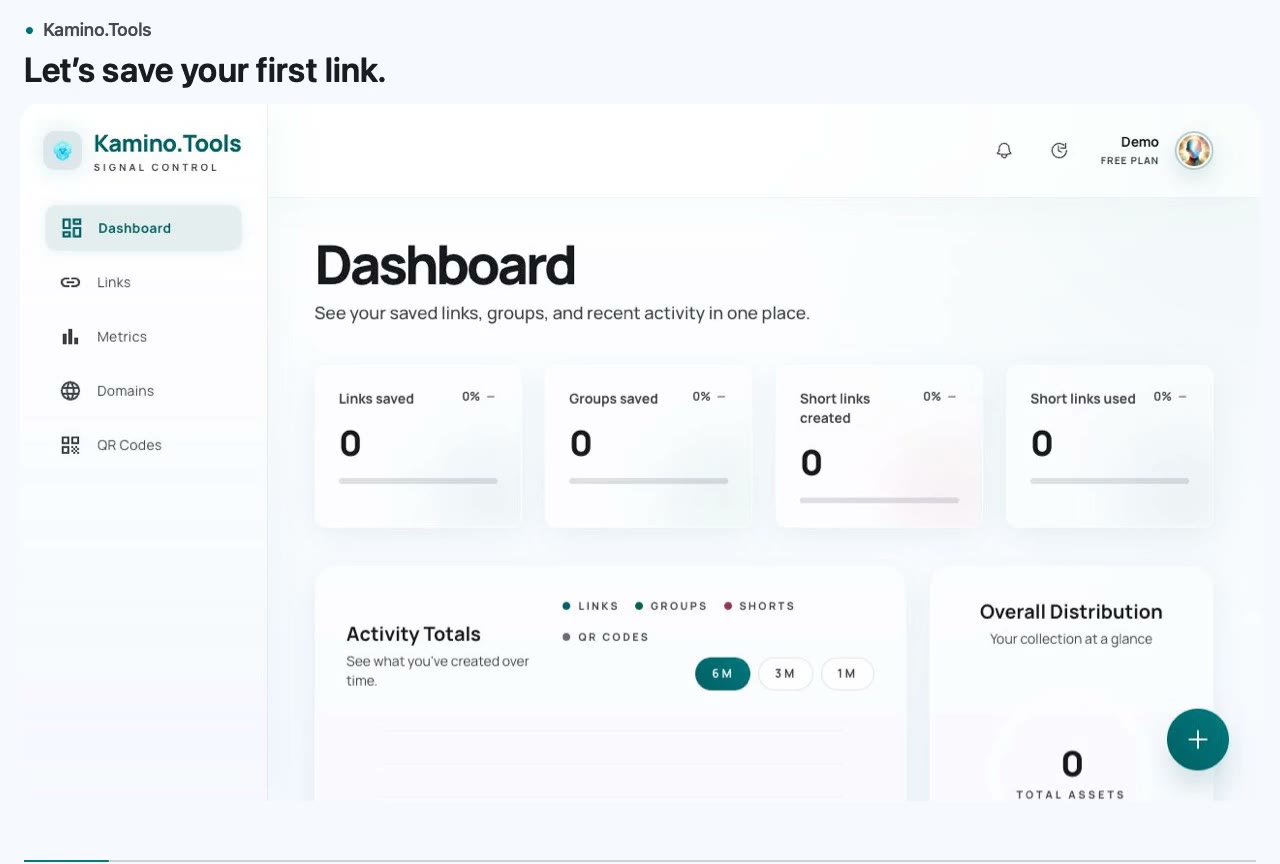
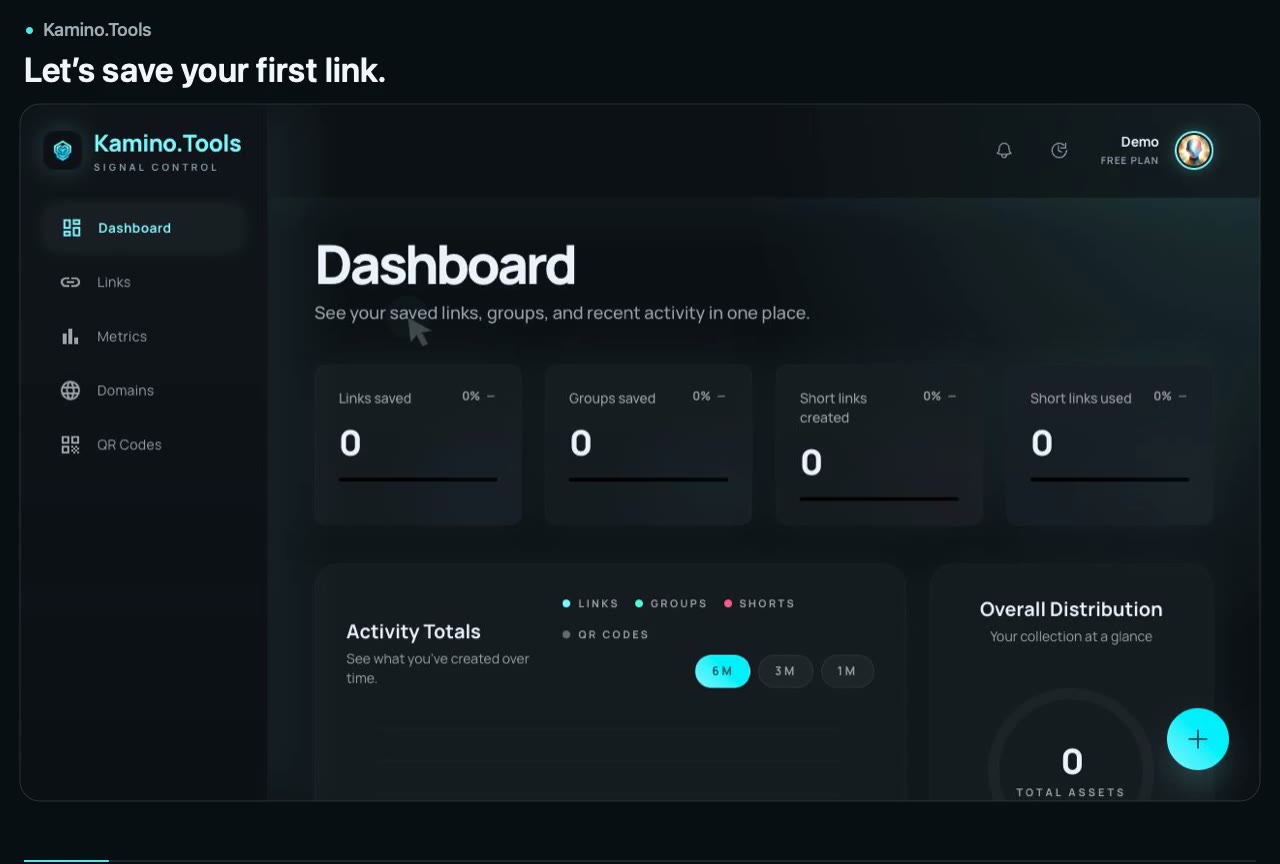
Save your first link
Keep a useful page so you can find it later. This short video shows you how to save a link in Kamino.Tools.
What you will learn
- Open the link form
- Add a page address
- Save your link for later
-
32-second video
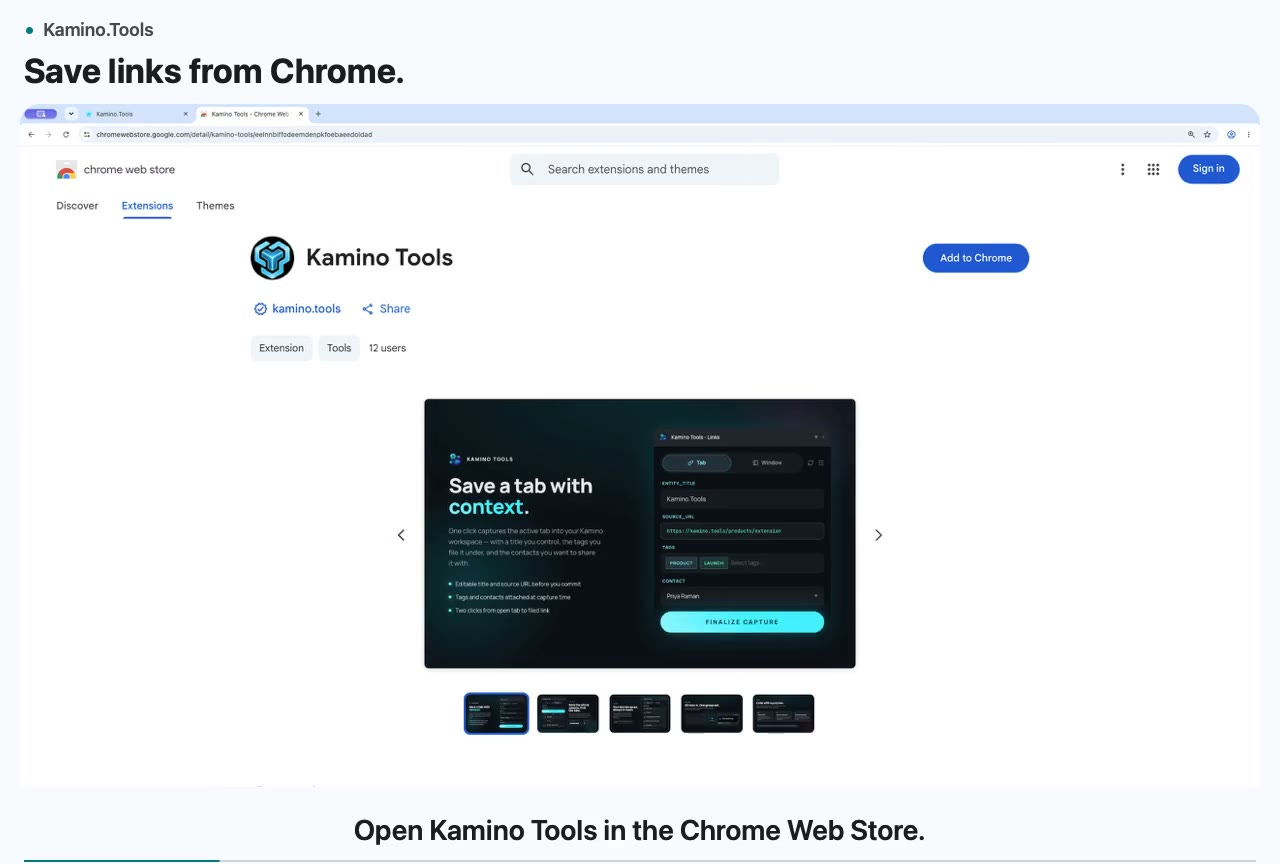
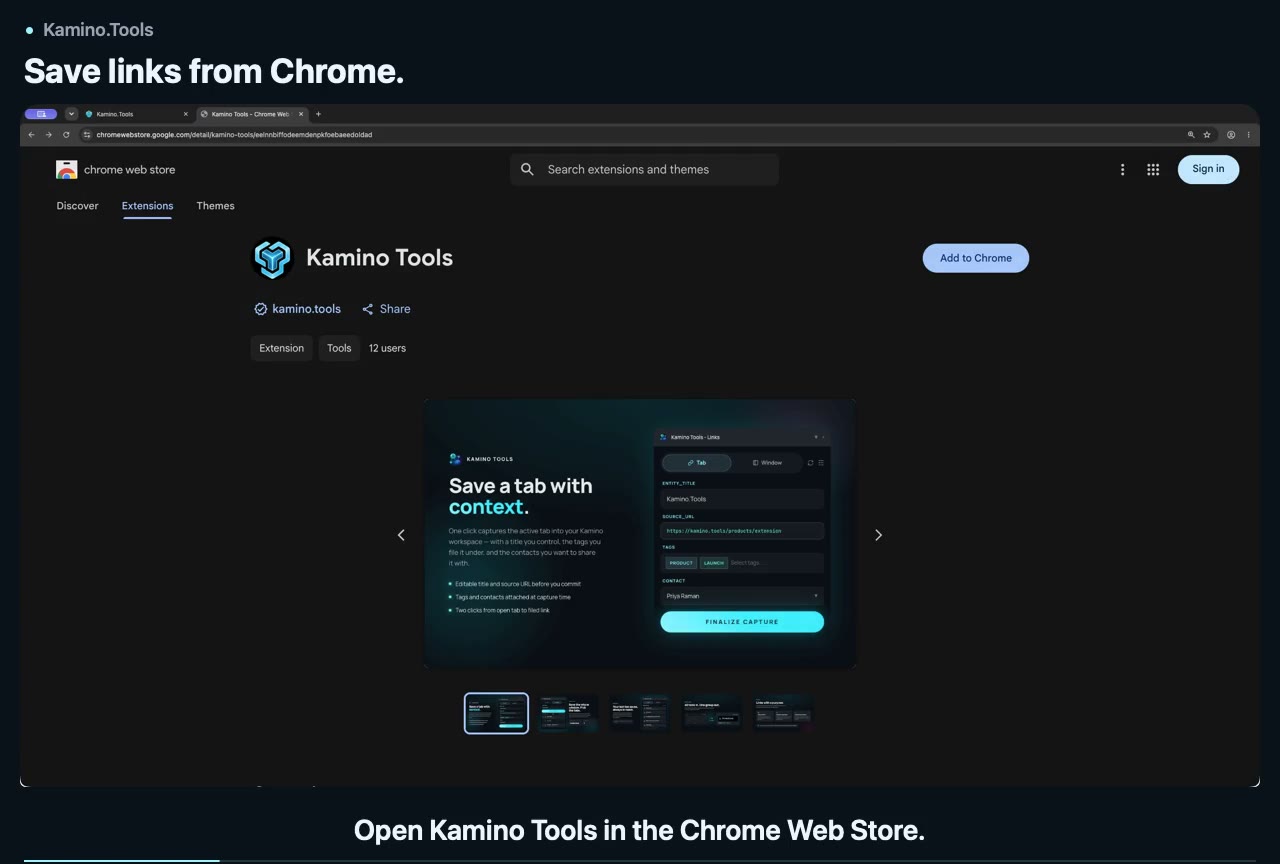
Install the Chrome extension and save a link
Save links without leaving the page you are reading. Learn how to install the Kamino.Tools Chrome extension and save a page.
What you will learn
- Install the Chrome extension
- Open the extension on a page
- Save the page to Kamino.Tools
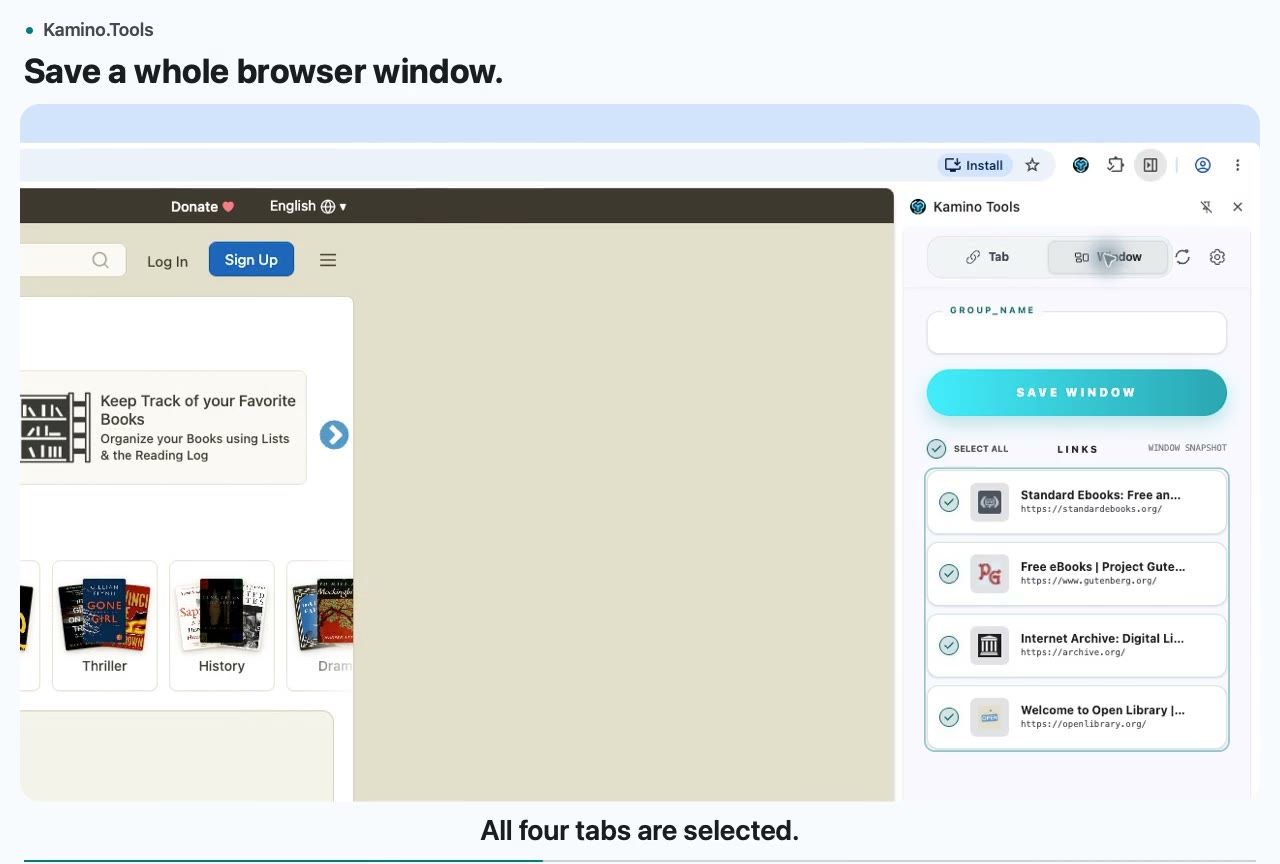
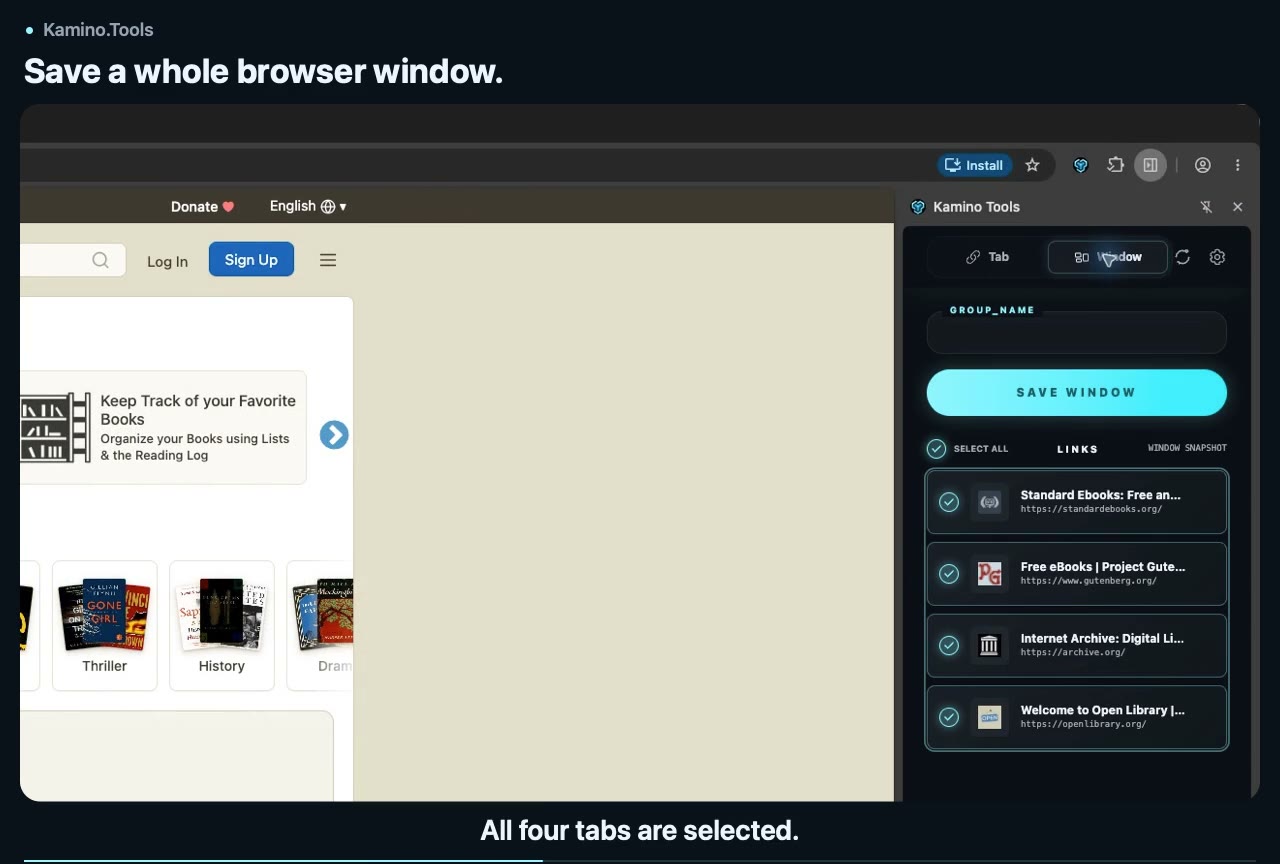
Browser windows
Save related tabs together so you can return to a project or topic later.